
Restore an old photo
Repair scratches, creases, fading and water damage on a scan or a phone shot of an old print.
Damage repairedFaces kept intactColour optional
10 credits
 Before
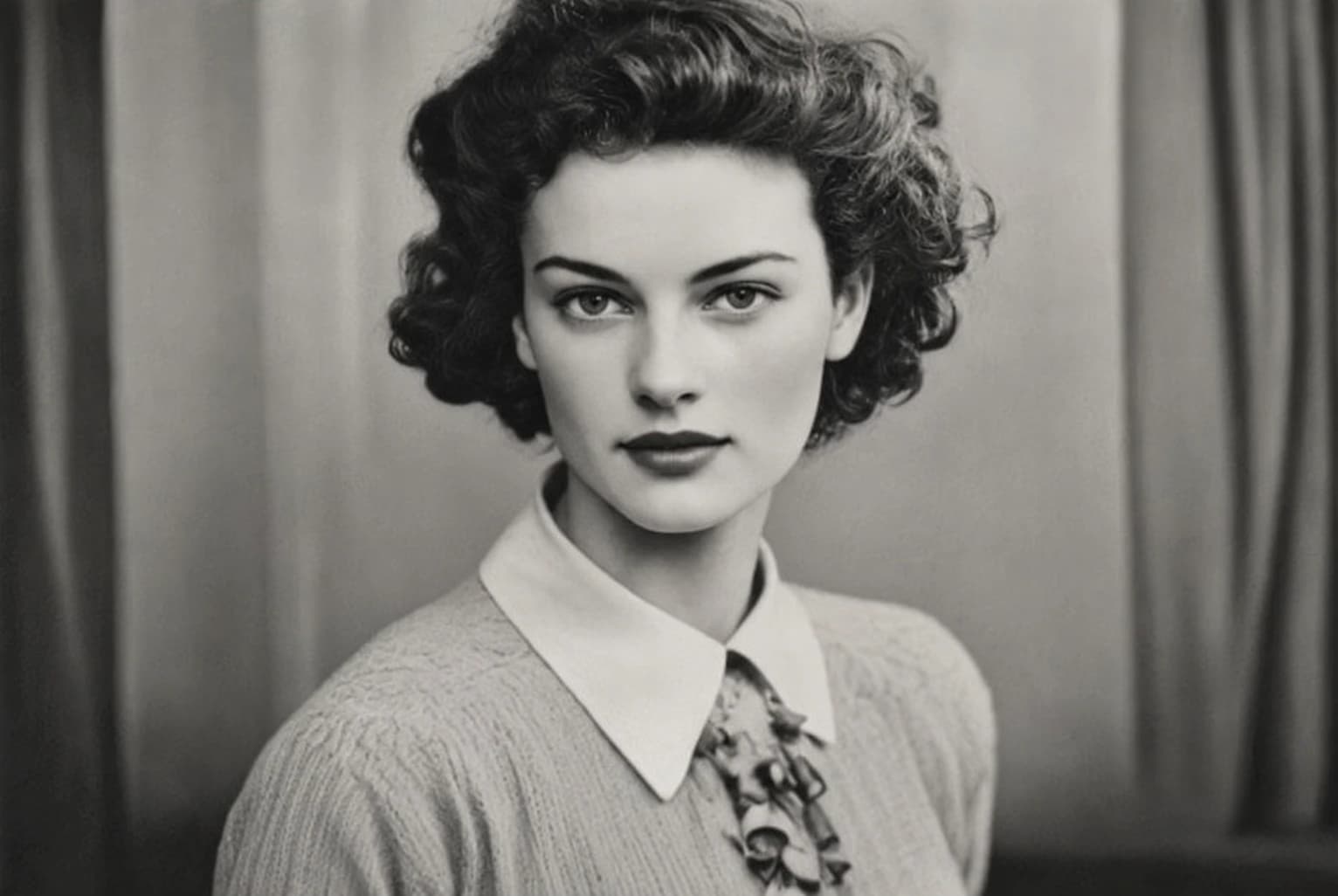 After
AfterThe prompt behind Restore Old Photo
Why use Restore Old Photo
Repair scratches, fading and damage on an old print.
Built for real damage
Scratches, tears, creases, spotting and water marks — the things that actually happen to a print in a drawer for forty years.
Faces stay recognisable
Restoring a family photo is only worth doing if the person still looks like themselves. That constraint drives the whole process.
Fading corrected
Yellowed, washed-out and colour-shifted prints get their contrast and tone brought back to something natural.
A phone photo is enough
No scanner needed. Lay the print flat, shoot it in even light, and upload.
How it works
- 1
Scan or photograph the print
Flat, evenly lit, as square-on as you can manage.
- 2
Restore
Damage is repaired, fading corrected and detail brought back.
- 3
Save the result
Download it, print it, or send it to the family.
Frequently asked questions
- Does it add colour to black-and-white photos?
- This tool repairs damage and corrects fading. For adding colour to a monochrome print, use Photo Colorizer — many people run both.
- How badly damaged can the photo be?
- Scratches, creases and spotting restore very well. Where a face is torn away entirely there is no information to recover, and anything filled in there is a guess.
- Do I need a scanner?
- No. A phone photo in good, even light works. Avoid direct flash, which reflects off the print surface.
- Will it change how someone looks?
- Facial features are preserved deliberately. If a result looks off, run it again — outputs vary between passes.
- Can I restore several photos?
- Yes, one at a time. Each restoration costs one generation.
More like this
- Remove ObjectsErase anything from a photo and fill the gap convincingly
- Photo EnhanceSharpen detail, fix lighting and lift a flat photo
- Photo to SketchTurn a photo into a hand-drawn pencil sketch
- Photo ColorizerAdd natural colour to a black-and-white photo
- Blur BackgroundDrop the background out of focus and lift the subject
- Passport Photo MakerCorrectly sized ID photos on a compliant background
- Image to PromptTurn a reference photo into a detailed, reusable prompt