
Blur the background of a photo
The soft, out-of-focus background a portrait lens gives you, applied to a photo taken without one.
Portrait-lens lookClean subject edgesAdjustable by rerun
10 credits
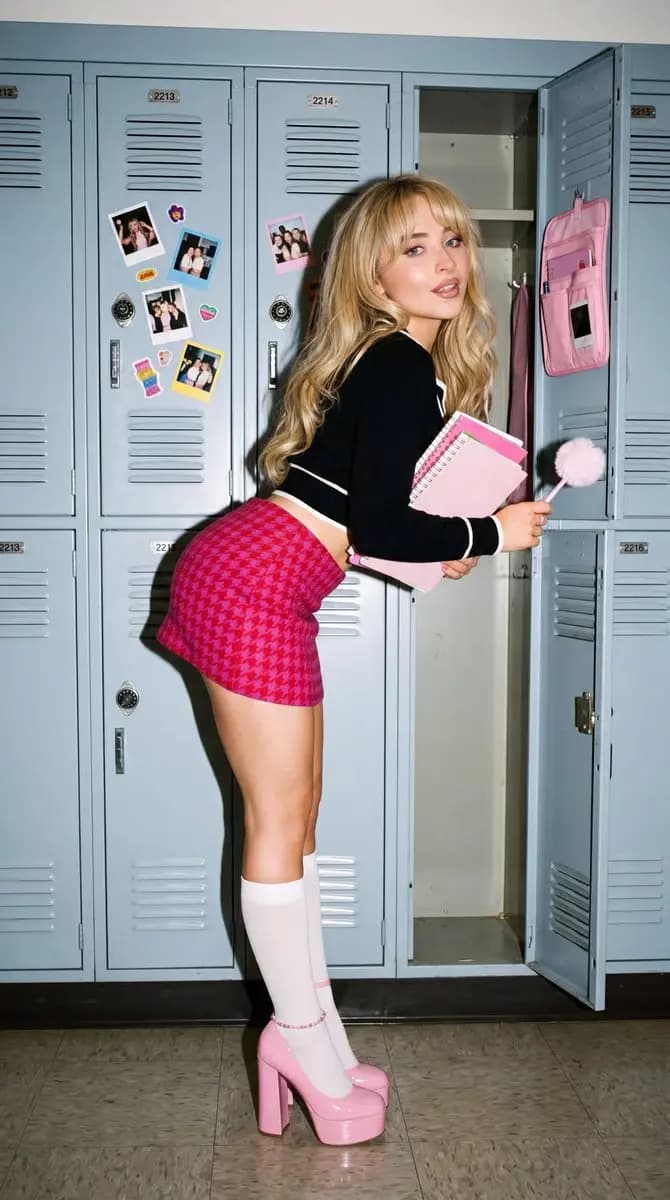 Before
 After
AfterThe prompt behind Blur Background
Why use Blur Background
Drop the background out of focus and lift the subject.
Depth, not a flat blur
Things further away blur more, the way a real lens behaves. A uniform smear is what makes fake bokeh obvious.
Edges hold up
Hair, glasses and gaps between arms are where cut-outs fail. They are the part worth getting right.
Subject stays sharp
Only the background is softened — the detail on your subject is left exactly as shot.
Not happy? Run it again
Each pass is a fresh interpretation, so a second run is the fastest way to a different strength.
How it works
- 1
Upload your photo
Portraits, pets and product shots all work.
- 2
Blur
The subject is separated from the background and the background softened by depth.
- 3
Download
Save the version with the background dropped back.
Frequently asked questions
- Does it work on photos with several people?
- Yes. Everyone in the foreground is kept sharp together.
- How does it handle hair?
- Fine hair is the hardest edge in this job and gets specific attention. Wildly backlit flyaway hair is still the case most likely to need a second run.
- Can I control how strong the blur is?
- Not with a slider. Running it again gives a different pass, which is usually quicker than dialling a number.
- Will it work on objects rather than people?
- Yes — product shots on a busy desk are a common use.
- Does it replace the background?
- No, it blurs what is already there. Nothing is swapped out.
More like this
- Remove ObjectsErase anything from a photo and fill the gap convincingly
- Photo EnhanceSharpen detail, fix lighting and lift a flat photo
- Restore Old PhotoRepair scratches, fading and damage on an old print
- Photo to SketchTurn a photo into a hand-drawn pencil sketch
- Photo ColorizerAdd natural colour to a black-and-white photo
- Passport Photo MakerCorrectly sized ID photos on a compliant background
- Image to PromptTurn a reference photo into a detailed, reusable prompt