
Enhance a photo with AI
Recover detail, fix flat lighting and clean up noise — the fixes you would spend twenty minutes on in an editor, in one pass.
 Before
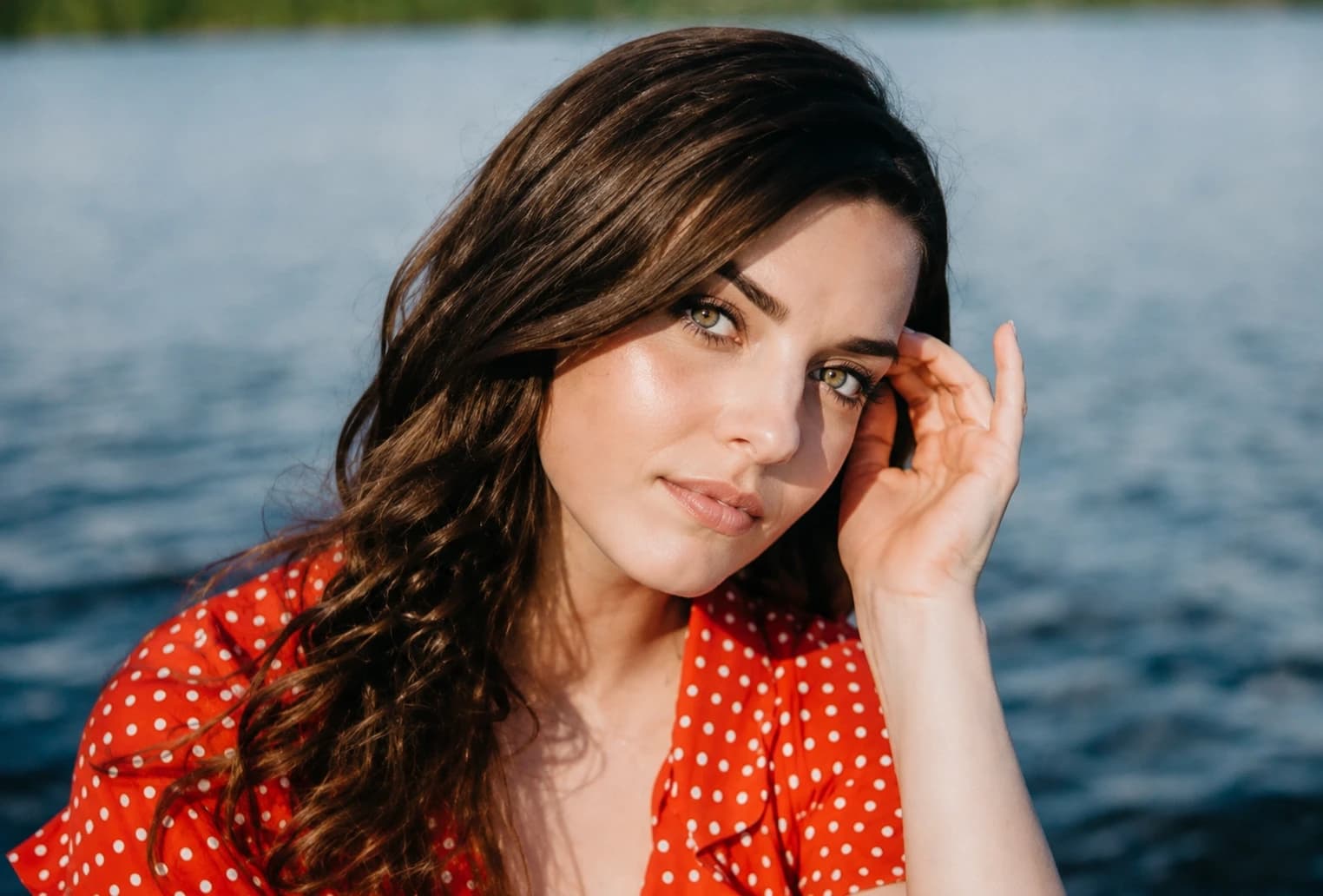 After
AfterWhy use Photo Enhance
Sharpen detail, fix lighting and lift a flat photo.
Detail, not just sharpening
Edges are reconstructed rather than crudely contrast-boosted, so you avoid the crunchy halo that a sharpen slider leaves behind.
Lighting that reads properly
Shadows lift, highlights come back, and a dull grey photo gets its contrast back without turning harsh.
Noise cleaned up
Grain from a dim room or a night shot is smoothed away while the texture that matters stays put.
Still looks like your photo
The aim is the photo you thought you were taking — not a different, over-processed one.
How it works
- 1
Upload the photo
A phone snap, an old export, a screenshot — anything soft or flat.
- 2
Enhance
Detail, exposure and noise are handled together in a single pass.
- 3
Compare and save
Download the result, or run it again if you want a stronger pass.
Frequently asked questions
- Will it make a blurry photo sharp?
- It helps a great deal with softness and mild camera shake. A photo that is severely out of focus has no detail left to recover, and no tool can invent it convincingly.
- Does it upscale the image?
- Detail is reconstructed at the resolution you upload. It is an enhancer rather than a dedicated upscaler.
- Will skin still look real?
- Yes. Faces are treated conservatively — the goal is a clean photo, not an airbrushed one.
- Can I use it on old scans?
- You can, though Restore Old Photo is the better fit if there is physical damage, fading or scratching.
- Are my uploads kept?
- Your photo is used to produce your result and nothing else. It is not used to train anything.
More like this
- Remove ObjectsErase anything from a photo and fill the gap convincingly
- Restore Old PhotoRepair scratches, fading and damage on an old print
- Photo to SketchTurn a photo into a hand-drawn pencil sketch
- Photo ColorizerAdd natural colour to a black-and-white photo
- Blur BackgroundDrop the background out of focus and lift the subject
- Passport Photo MakerCorrectly sized ID photos on a compliant background
- Image to PromptTurn a reference photo into a detailed, reusable prompt